Data My Chat - Make your AI conversations ready for downstream tools
I read a lot — and for every book, I end up in a long conversation with AI about it. So I thought, what if those chats could live in a knowledge base with my reading notes, ready for whatever workflow I’d want to build next?
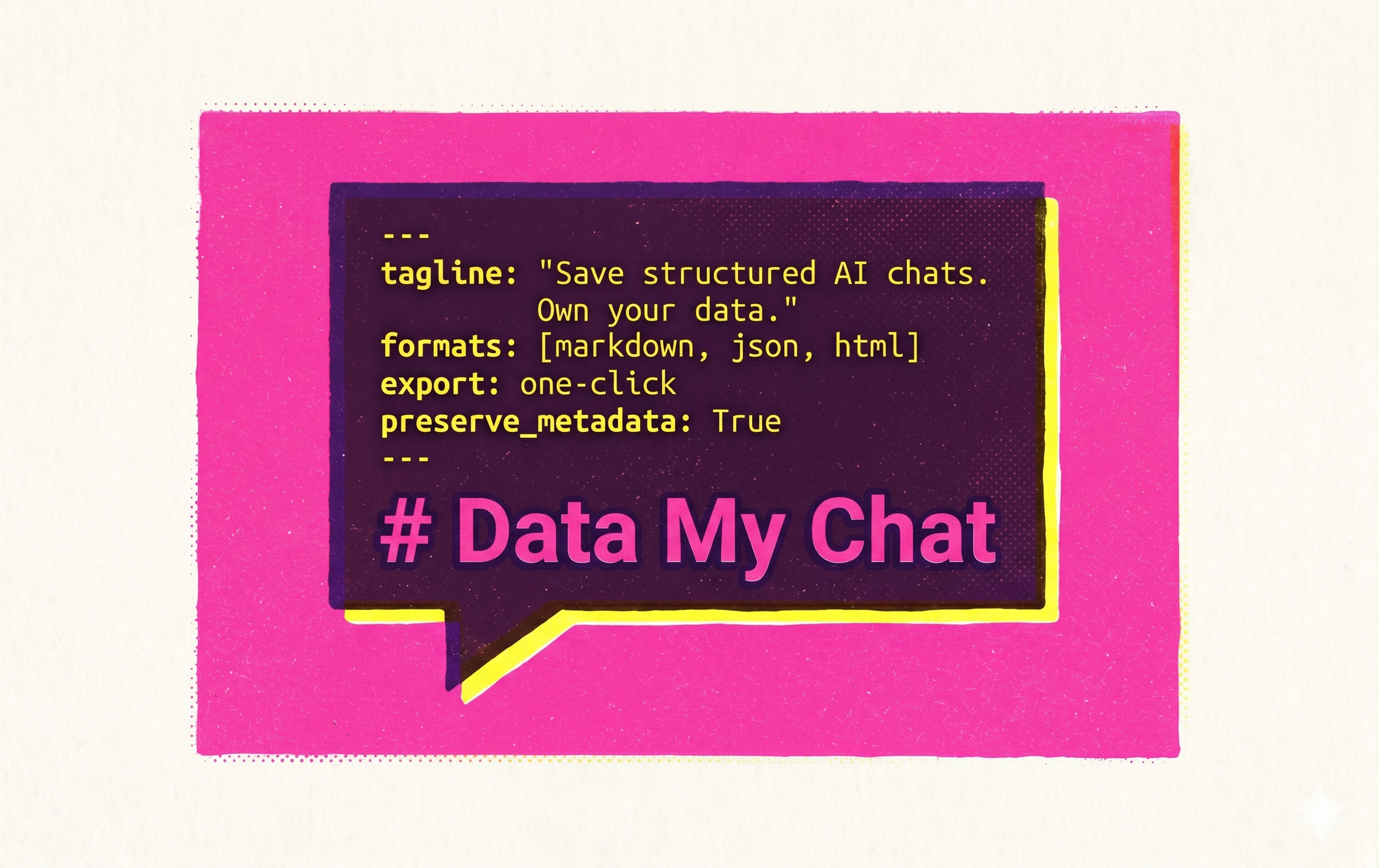
Your AI conversations are raw material for your next workflow — searchable notes, RAG context, shareable references, prompt libraries, and whatever you build next. But most of it stays trapped in a platform you don’t control. Data My Chat turns those conversations into portable, structured files you actually own — ready to plug into your knowledge base, your codebase, or your next agent pipeline.
Beyond the plain text dump, Data My Chat preserves the structure that matters — per-message timestamps, model names, conversation IDs, titles, char count, and 20+ configurable formatting options — then assembles everything with configurable frontmatter, turn markers, callouts, and themed layouts.
All processing happens locally in your browser. Your data never leaves your machine.
Supported Platforms
- ChatGPT (chatgpt.com)
- Claude (claude.ai)
- Google Gemini (gemini.google.com)
- DeepSeek (chat.deepseek.com)
Started from these GPTs because I use them the most but more platforms are on the roadmap.
What Sets Data My Chat Apart
Complete Metadata Preservation
Most export tools strip context. Data My Chat captures everything that makes a conversation retrievable later:
| Metadata | Captured |
|---|---|
| Platform source | ✓ |
| Conversation URL | ✓ |
| Conversation ID | ✓ |
| Title | ✓ |
| Model | ✓ |
| Per-message timestamps | ✓ |
| Export timestamp | ✓ |
| Turn count | ✓ |
| Char count for token calculation | ✓ |
| Language | ✓ |
This metadata is embedded directly into your exports — as YAML frontmatter in Markdown, structured fields in JSON, or rendered headers in HTML.
23 Configurable Formatting Options
Every format is designed for a purpose — and every detail is yours to control:
- Markdown — YAML frontmatter options, configurable turn marker styles, four callout styles, four timestamp formats, turn numbering, context lines, chunk boundary markers for RAG, collapsible long responses, custom file naming and encoding options. Drops straight into Obsidian, Notion, or any knowledge base.
- JSON — Schema-versioned structured data with full metadata. Every field from the table above, plus message-level timestamps and role tags. Ready for RAG pipelines, AI agent context windows, or programmatic analysis.
- HTML — Self-contained themed pages in three styles (Clean, Editorial, Terminal) with embedded CSS, conversation headers, and styled code blocks. Optimized for sharing or archiving without dependencies.
Four Export Profiles
Tailor output to your workflow without touching settings every time:
- Quick — Minimal frontmatter, fast copy-paste.
- Knowledge — Structured for AI agents and retrieval-augmented generation.
- Readable — Rich formatting optimized for sharing and readability.
- Custom — Full control over every formatting option via the Options page.
Features
- One-click export — Open the popup on any supported chat page, pick a format, and copy or download instantly.
- Custom profile editor — Fine-tune frontmatter, turn markers, callouts, timestamps, and content handling from the Options page.
- HTML theme preview — Browse Clean, Editorial, and Terminal themes with live previews before exporting.
- Privacy-first — No analytics, no tracking, no external servers. Extraction uses each platform’s internal API; formatting is entirely local.
- Lightweight — No bundler, no framework, no background service worker running. Activates only when you click.
How It Works
- A content script reads the conversation using each platform’s internal JSON API — no HTML scraping.
- You choose a format and profile in the popup.
- The local formatter engine assembles the output in your browser.
- The result is copied to your clipboard and optionally saved as a file.
Permissions
Data My Chat requests only the permissions it needs:
| Permission | Why |
|---|---|
| Active Tab | Access the current chat page to extract conversation data |
| Scripting | Inject the extraction script into the active tab |
| Storage | Save your export preferences and custom profile |
| Downloads | Save exported files to your Downloads folder |
| Clipboard Write | Copy formatted output to your clipboard |
Privacy
- No data is sent to external servers — ever.
- No analytics or telemetry.
- Conversations are processed entirely in your browser and never stored by the extension.
#Agent #Milestone #Tech #DataMyChat